Free library · UX Fundamentals · Principle 163
Signifiers
Signifiers are visual or audible cues like buttons, icons, or sounds - that show users how to interact with elements on a website or app. They make your design intuitive, helping users perform actions without confusion.
Why It Matters
Why Are Signifiers Important?
- Guide User Actions: They help users understand what they can do, such as where to click or how to navigate.
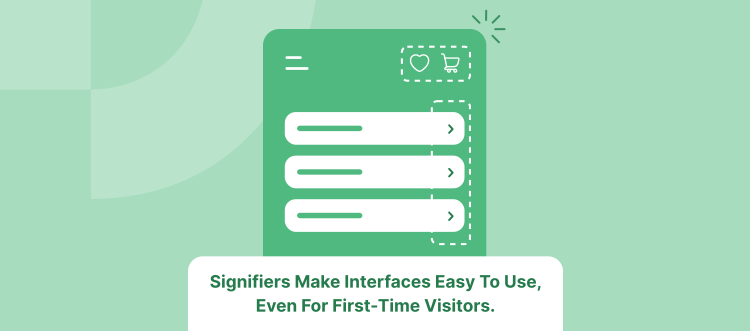
- Enhance Usability: Signifiers make interfaces easy to use, even for first-time visitors.
- Increase Engagement: Clear cues encourage users to interact more, leading to actions like purchases or sign-ups.
- Reduce Errors: They prevent mistakes by making interactions clear and reducing frustration.
- Support Accessibility: They provide feedback for all users, including those with disabilities.
- Boost Satisfaction and Retention: An intuitive interface keeps users happy and more likely to return.
- Gain a Competitive Edge: A user-friendly design stands out and attracts more customers.
How to Improve
How to Use Signifiers Effectively
- Make Interactive Elements Obvious: Use clear buttons and links that are easy to spot.
- Provide Visual Feedback: Show changes when users interact, like highlighting a button when it's clicked.
- Use Familiar Symbols: Stick to common icons and design patterns (e.g., a magnifying glass for search).
- Offer Clear Instructions: Include labels or hints like "Swipe left" or "Tap to view."
- Ensure Accessibility: Add text alternatives for images and design for easy navigation for everyone.
Key Takeaway
In Summary
Signifiers are essential cues that guide users through your interface, making interactions smooth and enjoyable. They improve usability, boost engagement, and enhance user satisfaction - all of which benefit your business.