Free library · Cart · Guideline 503
Make Cart Access Easy to Reduce Abandonment and Increase Sales
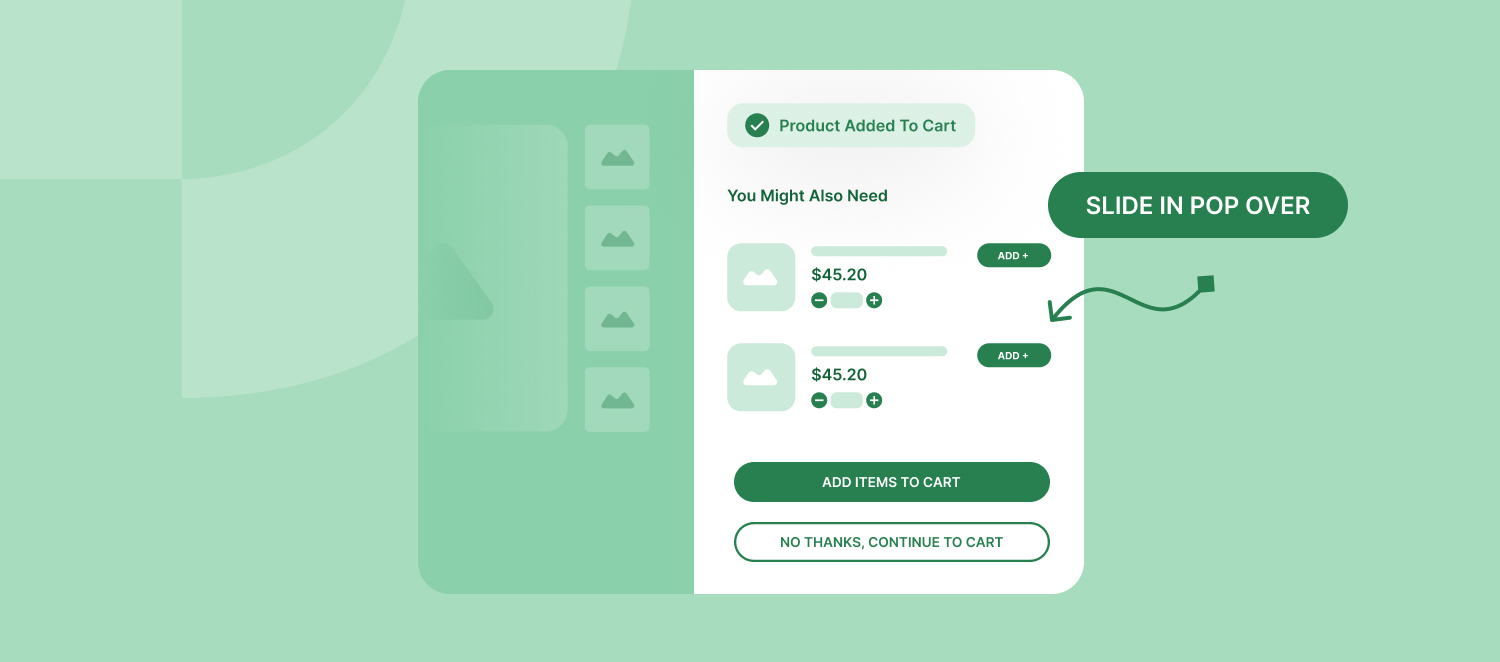
After a customer adds an item to their cart, they should clearly see how to view their cart. This helps them feel confident and reduces the chances they'll leave without buying.
Why It Matters
Why Is This Important?
- Easy Navigation: A clear "View Cart" button helps customers move around your site smoothly.
- Fewer Abandoned Carts: When it's easy to review the cart, customers are more likely to complete their purchase.
- Better Shopping Experience: Simple and clear options make customers happier and more satisfied.
Common Problems to Avoid
What's the Problem?
- Confusion: Customers might not know how to find their cart if there's no obvious option.
- Frustration: If buttons like "Checkout" aren't clear, customers may worry they'll be forced to pay immediately without reviewing their items.
How to Improve
How Can You Fix It?
1. Add a Clear "View Cart" Button
- When an item is added to the cart, show a button labeled "View Cart," "View Bag," or something similar.
- Make sure the label is straightforward so customers know exactly what will happen when they click it.
2. Improve Navigation Options
- Include a "Continue Shopping" button so customers can keep browsing if they want.
- Consider adding a combined option like "View Cart & Checkout" to make the process smoother.
3. Use Clear and Consistent Labels
- Use the same terms throughout your website to avoid confusing customers.
- Stay away from unclear labels that might make customers unsure about where they're going.
Key Takeaway
Final Thoughts
By making it easy for customers to find and review their cart, you'll improve their shopping experience and encourage them to complete their purchases. This simple change can lead to more sales and happier customers.
Tip: Test your website's cart process with real users. Their feedback can help you make it even better.